


Eliminating Data Conflicts with Smart Locking and Audit Trails
Prevent “last-write-wins” errors and file corruption through automated Check-In/Check-Out and version control.
-
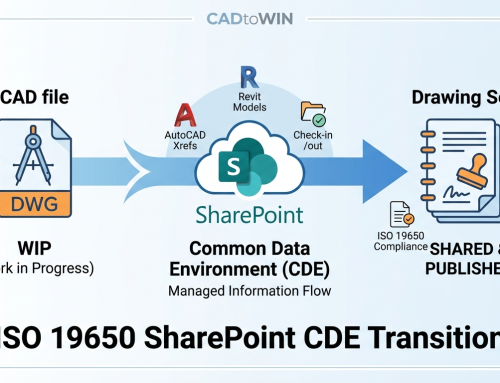
Conflict Prevention: CADtoWIN automatically applies a temporary lock on files during editing, preventing multiple users from overwriting each other’s work.
-
Automated Workflow: Configure the plugin to automatically check out files upon opening and check them back in upon closing for a “silent” user experience.
-
Audit & Version History: Access and restore previous versions of DWG or RVT files directly from the CAD interface using SharePoint’s versioning engine.
-
Permission-Based Access: Enforce global SharePoint permissions, ensuring only authorized users can modify sensitive design data.



Leave A Comment